 EN
EN

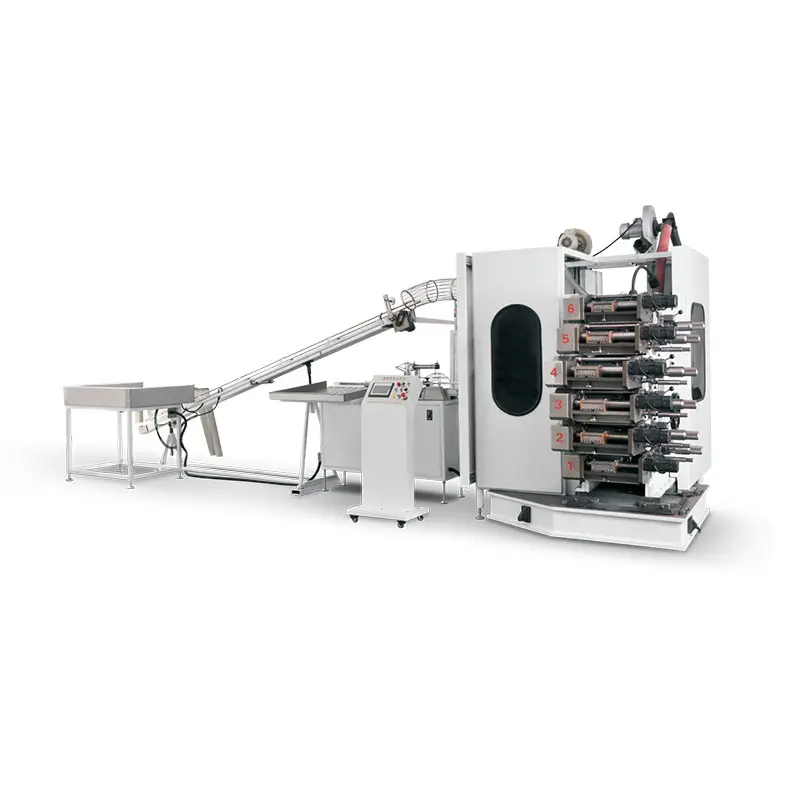
Ink Smearing and Poor Ink Transfer in Plastic Cup Printing Machines
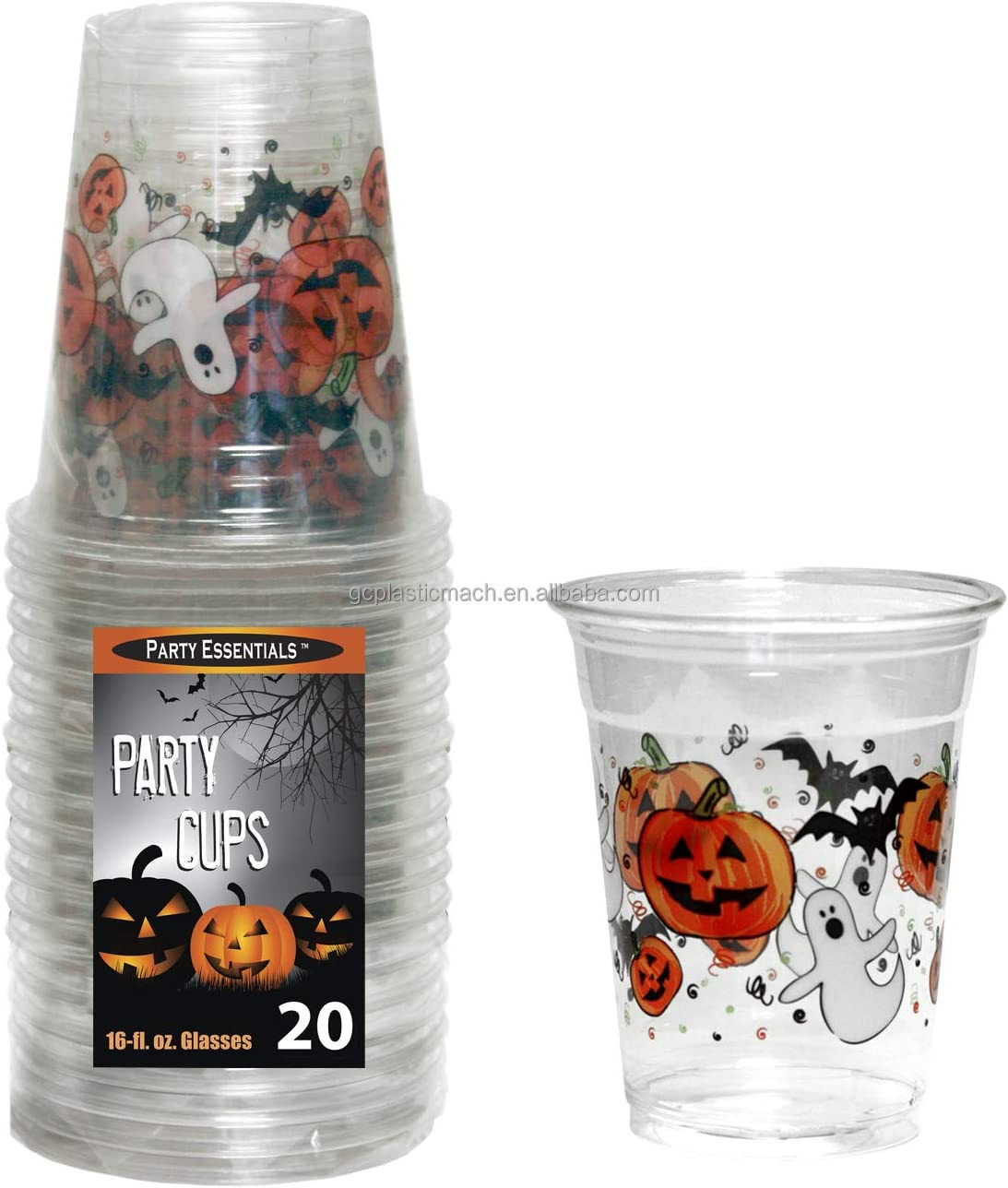
Symptoms: Blurred Edges and Inconsistent Print Coverage
Operators notice blurred edges, smudged text, and patchy ink coverage, especially in solid-color areas or fine typography. These defects reduce visual fidelity and increase scrap rates by up to 20% in high-volume runs (Print Industry Analysis 2023). Early detection through consistent pre-run inspections helps mitigate impact.
Root Cause: Surface Energy Mismatch and Anilox Roller Clogging
The main problems causing poor ink transfer usually come down to two things working against each other. First, plastic cups have low surface energy that basically pushes away UV or solvent based inks. Second, those anilox rollers get clogged up over time, which messes with how ink gets delivered properly. If the surface energy drops below around 38 dynes per centimeter, the ink just won't spread out right across the material. And when old ink builds up inside those tiny cells of the anilox roller, it creates little gaps where ink can't flow through as it should. According to Packaging Technology Review from last year, these combined issues account for well over two thirds of all transfer problems in flexo printing systems for cups. To fix this, most printers find that regular cleaning of those rollers makes a huge difference. Testing surface energy levels consistently is also critical, though many shops only do this when they start having trouble instead of making it part of their routine maintenance schedule.
Real-World Example: ZHEJIANG GUANGCHUAN MACHINERY's Field Data on High-Speed Smearing
At ZHEJIANG GUANGCHUAN MACHINERY, operators noticed printing issues affecting around 18% of their output when running above 200 cups per minute. After some troubleshooting, their on-site technicians managed to slash defect rates by nearly 90% over half a year. They achieved this through careful adjustments to the anilox roller pressure against the printing plate surface while also fine-tuning the ink's thickness to better suit both the production speed and the specific cup materials being used. What makes this success story stand out is that it wasn't about spending big bucks on new equipment. Instead, it was all about making smart, incremental changes based on actual performance data rather than guesswork. Manufacturers everywhere can learn from this approach when looking to improve quality without breaking the bank.
Misregistration and Material Wrinkling Due to Mechanical Instability
Symptoms: Offset Prints and Distorted Cup Feeding
When misregistration happens, we typically see colors bleeding past registration marks or patterns that look off track, particularly when production speeds hit over 800 cups per minute. This issue often goes hand in hand with problems in how cups are fed into the system. Warped stack formations tend to jam up the feed mechanisms, while noticeable creases interfere with proper cylinder contact during processing. If deviations get worse than half a millimeter either way, they start falling outside what most facilities consider acceptable tolerances. Such issues can lead to around 15% waste rate on automated production lines according to industry reports, though actual figures may vary depending on specific equipment configurations and maintenance practices.
Root Cause: Cylinder Misalignment and Belt Tension Variance
Most problems come from when those print cylinders aren't perfectly aligned (anything over 0.3 degrees matters) or when the belts running through the transport system have different levels of tension. According to some recent studies published last year in Packaging Technology Review, around two thirds of all registration issues actually stem from this uneven tension problem. Then there's the issue of heat. As temperatures go up just 10 degrees Celsius, things start to expand and shift, which can mess with precision measurements by about 12 microns. That might not sound like much until you see what happens on the production floor. Companies that switched to laser guided systems for monitoring tension saw something pretty impressive happen though. In their test runs, they reported cutting down on these kinds of defects by almost 90 percent, which makes a huge difference when trying to maintain quality standards day after day.
Pinholing and Micro-Defects in UV-LED Ink Printing Systems
Symptoms: Tiny Gaps in Solid Color Prints
Pinholing manifests as scattered, sub-200-micron voids in otherwise uniform solid-color areas, most disruptive in logos, backgrounds, or opaque tints. Even 0.5% surface discontinuity triggers visible quality degradation under retail lighting, raising rejection rates to 18% in high-opacity applications (Industry Benchmark Report 2023).
Root Cause: Substrate Contamination and Nozzle Degradation
Two primary failure vectors account for 96% of pinholes:
- Substrate contamination: Mold release agents, dust, or oils create hydrophobic barriers. Surface energy below 38 dynes/cm prevents proper ink wetting.
- Nozzle degradation: After 200+ operational hours, microscopic abrasion alters droplet trajectory, while ink residue narrows orifices by up to 15%, distorting dot formation.
Cross-sectional analysis confirms contamination causes 67% of defects and nozzle wear accounts for 29%; the remaining 4% link to uncontrolled ink viscosity shifts. UV-LED curing compounds both issues—particulate interference scatters light before full polymerization, leaving micro-voids uncured.
Preventative Maintenance Strategies for Reliable Plastic Cup Printing Machine Operation
Common Failure Point: Sudden Downtime After 1,200 Operating Hours
Unplanned shutdowns spike after approximately 1,200 operating hours, driven by cumulative fatigue in servo motors and pneumatic valve seals under thermal cycling. Production analytics show 73% of these failures occur during high-speed jobs (>2,000 cups/hour), costing an average of $18k per incident (Processing Efficiency Report 2023).
Best Practice: Wearable Component Monitoring Based on Aging Data
IoT-enabled vibration sensors on doctor blades, anilox rollers, and drive gears enable predictive replacement aligned with empirically derived fatigue curves. A resonance frequency shift exceeding 15% from baseline reliably precedes failure. Facilities using this approach cut emergency repairs by 62% and extended mean time between failures (MTBF) to 2,100 hours.
Action Plan: Daily Maintenance Checklist Validated Across 17 Installations
A standardized 8-point pre-shift verification protocol prevents 89% of common defects when consistently applied:
- Nozzle pressure calibration (tolerance: ±0.2 PSI)
- UV lamp intensity verification (minimum 380mW/cm²)
- Conveyor belt tension measurement (45-50N force gauge reading)
- Substrate static elimination (ionizer bar output test)
- Ink viscosity validation (Zahn cup #3: 22-25 seconds)
- Ambient humidity control (maintain 45-55% RH)
- Registration sensor alignment (laser collimation check)
- Waste ink system inspection (clog detection via flow meters)
This data-driven regimen sustains peak performance while converting reactive troubleshooting into scheduled, cost-controlled intervention.
FAQ
What causes ink smearing in plastic cup printing machines?
Ink smearing is primarily caused by low surface energy of plastic cups and clogged anilox rollers, which hinder proper ink transfer.
How can misregistration be minimized in printing?
Misregistration can be minimized by ensuring proper alignment of print cylinders and managing uniform belt tension in the transport system.
What are the main causes of pinholing in UV-LED ink printing?
Pinholing is mostly caused by substrate contamination and nozzle degradation, which affect ink wetting and droplet formation.
How often should preventative maintenance be conducted on plastic cup printing machines?
Preventative maintenance should be conducted regularly with a daily checklist to prevent common defects and unplanned downtime.